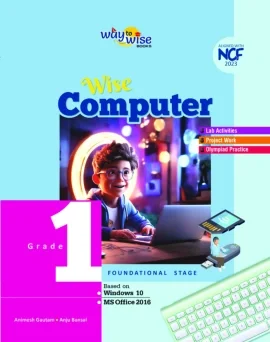
Wise Computer
Classes 1-8
Computer education
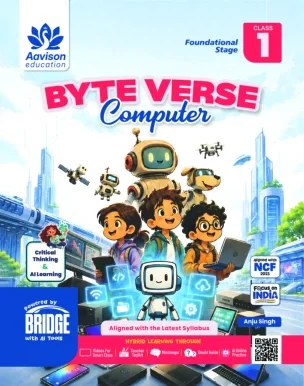
Develop the thinking behind digital creation. Byte Verse Computer introduces computing through concepts, practical tasks, coding and age-appropriate technology topics.
Classes 1-8
Explore the material
Computational thinking, coding, artificial intelligence and digital creativity feature in the catalogue. Examples named across the range include Scratch, Python, RoboMind, Windows 11 and Office 2021. These examples describe the series overall, not a promise that every tool is taught in every class or edition.
Use the catalogue overview below as a starting point for reviewing Byte Verse Computer. For classes 1-8, compare the material with your learners’ prior understanding, classroom time and learning priorities. The catalogue describes the series; the team can help identify the exact class-wise book or material you want to evaluate.
Classes 1-8. Confirm the current edition and class-wise material with our team.
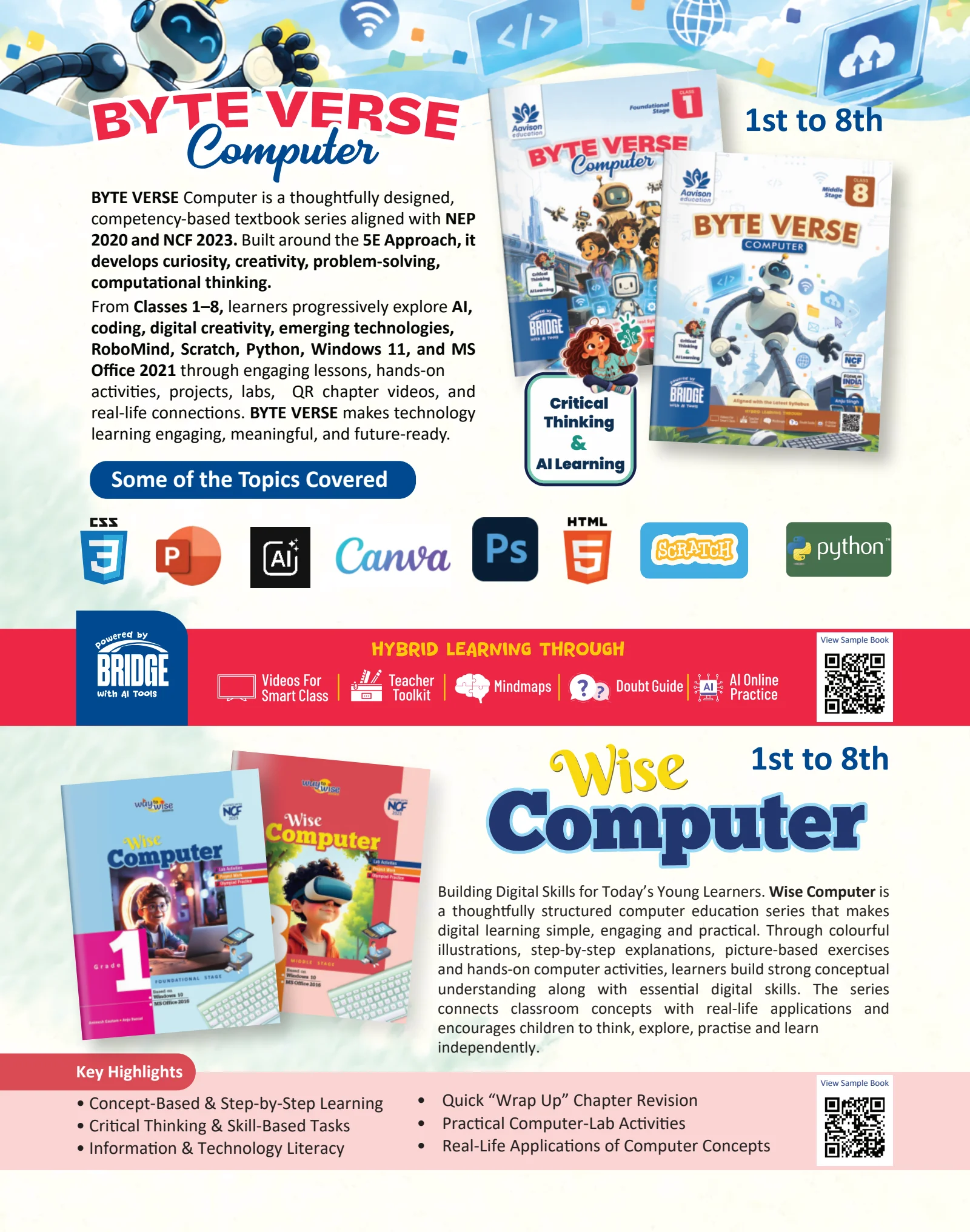
Inside the series
Explore the features described for this series in the catalogue. Ask about their scope in the class and edition you are considering.
Books + connected support
Bridge resources and access conditions vary by series, class and edition. Review the available coverage alongside the book.
Keep exploring /Computing, knowledge & life skills
The next step
Share your classes and subjects. Ask about samples, contents, publication status and available resources before making your choice.