
Prepare with purpose
Lesson plans, teaching notes and classroom activities help teachers shape the next lesson.
Connect your books with chapter resources that help you explain, practise and revisit a concept. Start with the capabilities below, then confirm the coverage for your series and edition.
Discover · Understand
Bridge / Connected learning
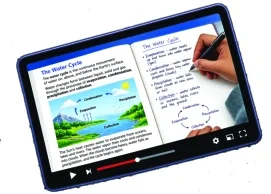
More ways to explain.
More ways to explore.
Lesson plans, teaching notes and classroom activities help teachers shape the next lesson.
Concept videos, animations and visual resources offer another way to explain and explore.
Chapter-based questions and assessment support help put understanding to work.
Mind maps, diagrams and summaries help learners reconnect with what they have learned.
Resources and access conditions depend on the series, class and edition. Ask about the coverage for your book.
Ask about Bridge for your booksOriginal publisher overview
Explore the seven Bridge capability areas in our original publisher overview, then discuss a chapter demonstration for your school’s chosen series and edition.
Catalogue capabilities describe the platform’s scope. They do not establish that every resource is active for every series, chapter or edition. Request a current demonstration for your school.
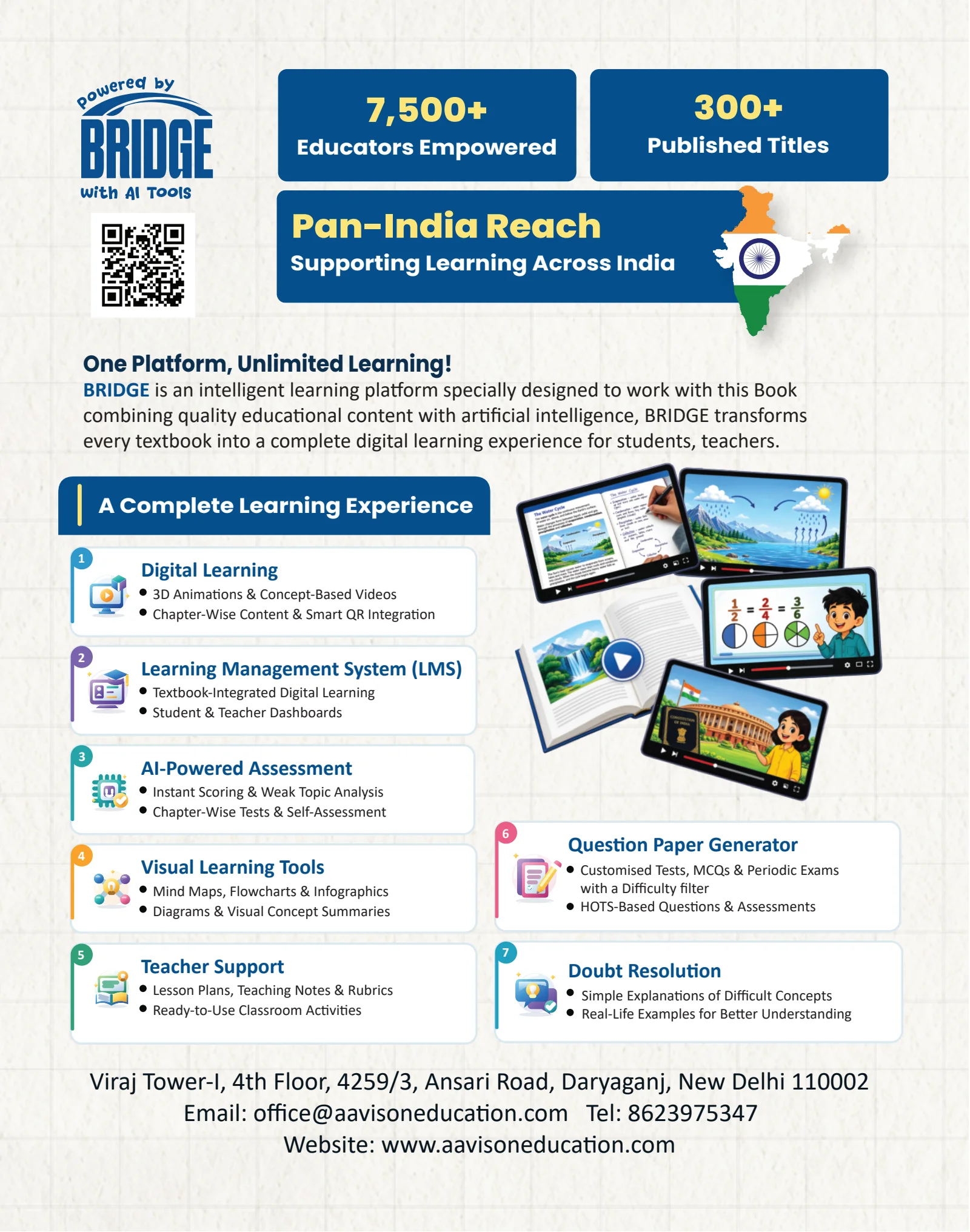
Concept-based videos, 3D animations and chapter content are described alongside smart QR integration.
Textbook-integrated learning and separate student and teacher dashboards are described.
Chapter tests, self-assessment, scoring and weak-topic analysis are described. Ask what is available for your edition.
Mind maps, flowcharts, infographics and diagrams offer ways to revisit a concept.
Lesson plans, teaching notes, rubrics and classroom activities are described.
Customised tests, MCQs, periodic exams and difficulty filters are described.
Simple explanations and real-life examples are described as support for difficult concepts.
01
Start with its series, class, edition and chapter. Resources depend on the exact material.
02
Where your edition includes a QR code or resource instructions, follow those details. We do not publish an invented universal access link.
03
Ask to see the relevant concept explanation, teacher material and practice example together.
04
Use the resource-support form with the book details and the page or access issue. Our team can identify the material.
Two perspectives. Connected learning.
Different resources serve different moments in the lesson. Start with the exact series, class and edition to understand what is available.
For teachers
For learners
Start with your book
Access and resource coverage vary. There is no single resource entitlement for every Aavison title.
Ask for resource supportHave the series name, class, edition and chapter ready.
If your edition includes QR or resource-access instructions, use the details printed in that book.
Include a description of the issue and the relevant page or QR photo in your email. The team can identify the material you mean.
Choosing new books?
Review the books alongside their teaching approach, class coverage and available digital support.